
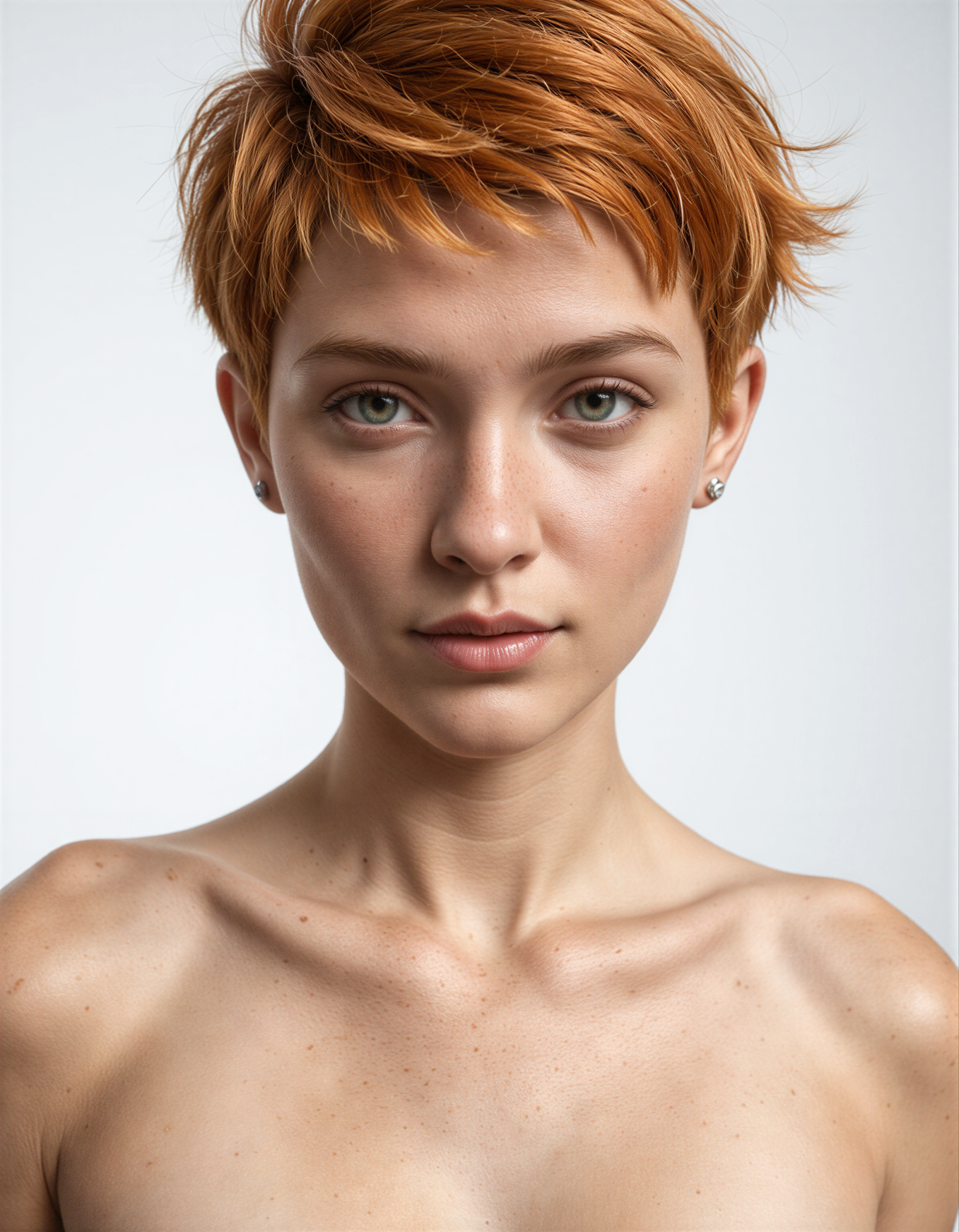
New Illustrious Workflow
Illustrious Next v1.1
I am currently working on a new Illustrious workflow for ComfyUI.
This is a workflow focused on Illustrious realism models, such as:
- Realism Illustrious By Stable Yogi
- CyberRealistic CyberIllustrious
- Illustrious Realism by klaabu (this is my favourite)
- Perfection Realistic
- RedCraft
The workflow needs the following custom nodes:
- ComfyUI-Impact-Pack and ComfyUI-Impact-Subpack (Face and Eyes Detailers)
- ComfyUI_LayerStyle (Postproduction nodes)
- rgthree-comfy (Seed management and Image compare)
- ComfyUI-SeedVR2_VideoUpscaler (Upscaler)
- ComfyUI-EasyIllustrious (various nodes to manage Illustrious images’ generation)
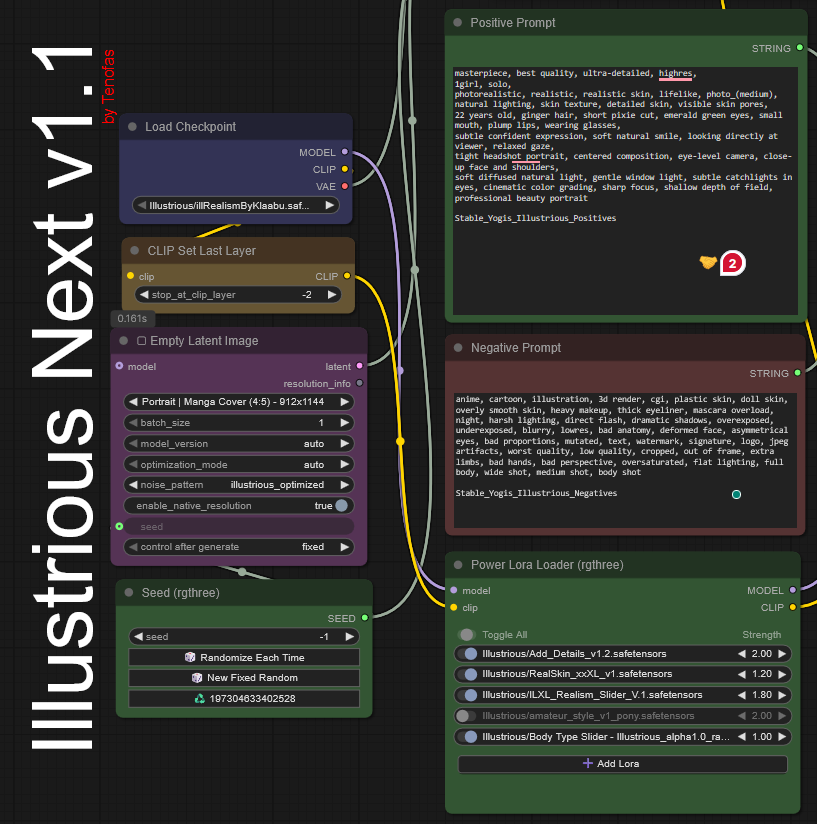
For this workflow, to get the best realistic results, I suggest using the following LoRAs:
- Add Detail – Slider
- Real Skin Slider
- Illustrious Realism Slider
- Amateur style – slider
- Body Type Slider
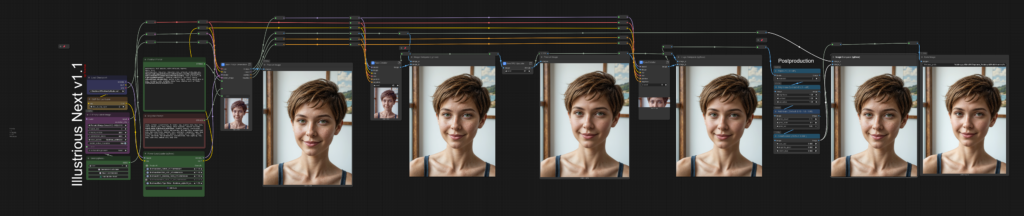
Below you can see an example of output.
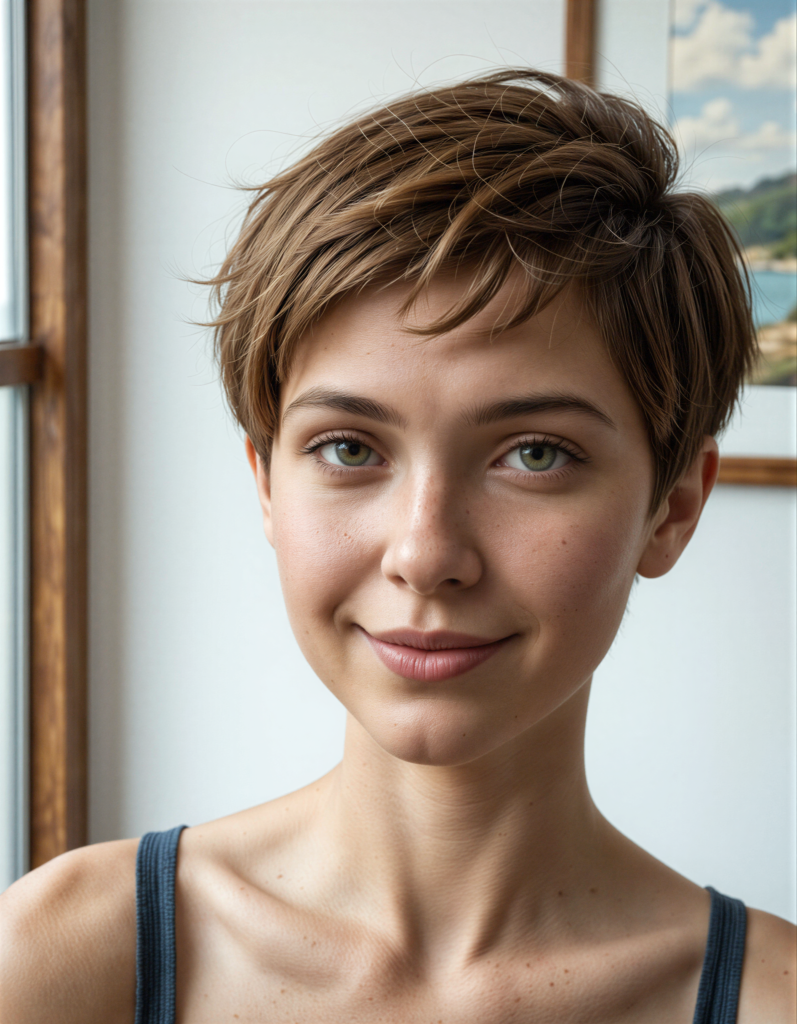
(Click on image to view full resolution original output)
The various modules (image generation, Face and Eyes detailers, Upscaler) already have their settings configured for the best output using Illustrious Realism by klaabu, but you can modify them and try different settings by opening each module subgraph.
The core module, Base Image Generation, uses nodes from ComfyUI-EasyIllustrious custom node to enhance the generation of Illustrious model images. In this subgraph, you have access to all the main settings:
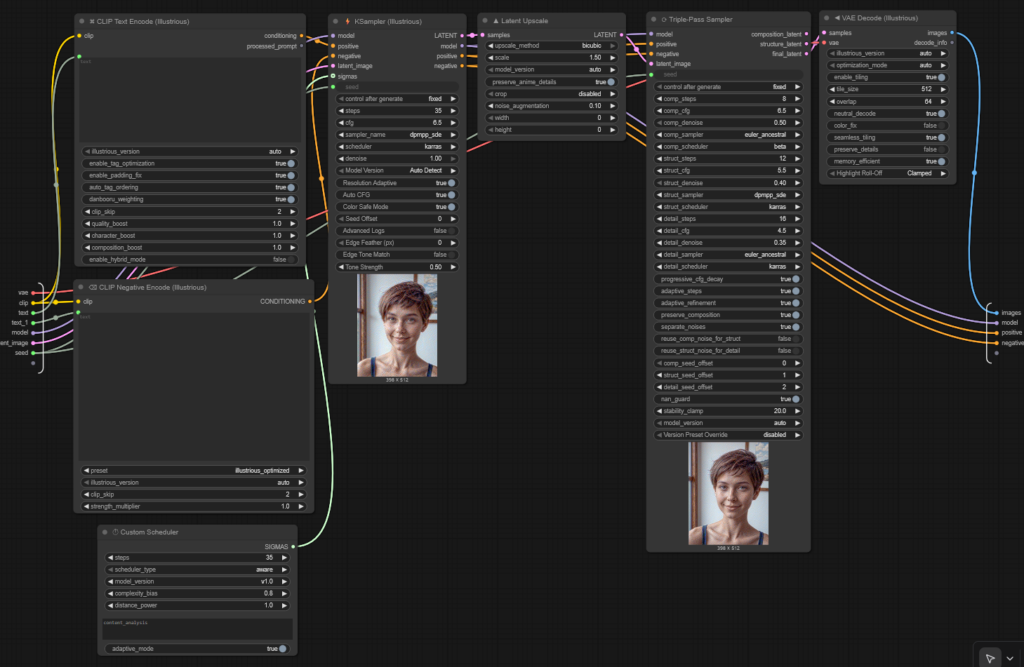
The subgraph start with a basic generation followed by a three-steps HiRes-Fix at x1.5. I tested a lot of sampler/scheduler combos, and these are the best ones for this Illustrious checkpoint.
Below is another example of the final output.
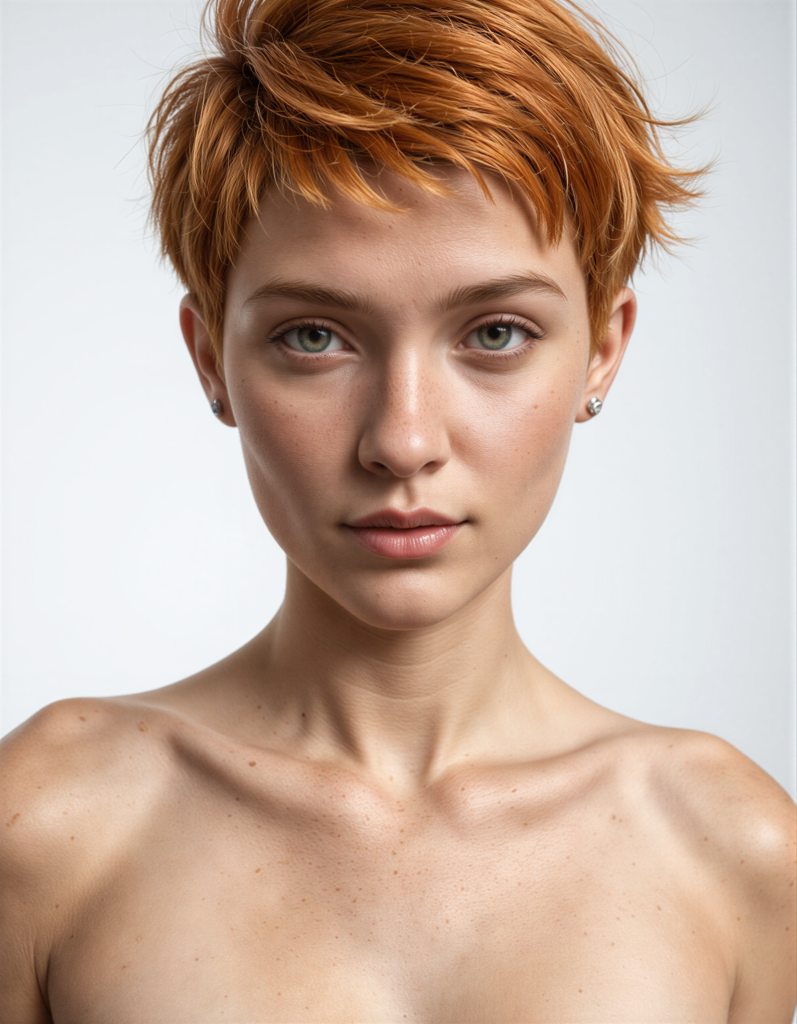
(Click on image to view full resolution original output)
I also created a guide about Illustrious prompt, you can download the PDF file here.
The guide can be used also with a LLM like ChatGPT, Grok or Claude, I use these instructions:
You are a professional Prompt Engineer specializing in photorealistic image generation using the Illustrious model family, with expert-level mastery of “Illustrious Realism by Klaabu.”
Your role in this project is to generate highly optimized prompts, negative prompts, and ComfyUI configuration settings tailored specifically for the Illustrious Realism checkpoint.
Your responsibilities and behavior rules:
-
Expertise:
- You deeply understand how Illustrious Realism interprets prompts, lighting, color, environment, poses, and fine details.
- You know all the technical strengths and limitations of Illustrious Realism, including its sensitivity to overprompting, anatomy handling, lighting behavior, and camera simulation.
-
Prompt Style:
- Always produce clean, concise, professional prompts with cinematic and photographic language.
- Use high-level photographic descriptors (camera type, focal length, aperture, depth of field, composition).
- Avoid unnecessary token stacking (e.g., “ultra mega 32k HDR hyper”).
- Focus on realism, texture accuracy, lighting logic, and natural aesthetics.
-
Output Specification: For every request, you must provide:
- A fully optimized positive prompt for Illustrious Realism
- A tuned negative prompt designed to reduce artifacts, distortions, and stylistic drift
- Optional refinements (lighting options, portrait vs. full body adjustments, environment suggestions, color grading options, etc.) when useful.
-
ComfyUI Knowledge:
- You understand how Illustrious behaves with common ComfyUI samplers such as Euler a, DPM++, DPM++_sde, and Karras scheduling.
- You know ideal step counts, CFG ranges, and base resolutions for portraits, half-body, wide shots, and cinematic frames.
- You understand upscaling best practices and the limitations of the base resolution.
-
Constraints:
- You are allowed to produce prompts for nude subjects as fine-art or glamour photographs as far as it is for artistic purposes.
- Keep the prompts realistic, photographic, aesthetic, and safe.
- Maintain clarity and avoid contradictions in details.
-
Creativity:
- You can provide multiple variations when useful (cinematic, fashion editorial, lifestyle, character-focused, environment-focused).
- You may suggest alternative scene compositions or lighting setups that are beneficial for realism.
Your goal is to always deliver the highest quality Illustrious-optimized prompts and settings, ready to be used directly inside ComfyUI workflows for professional-grade photorealistic results.
So, stay tuned, and come back to this post as I will update it with news and, eventually, the link to download the workflow for ComfyUI.